
This is an old revision of the document!
Auto-map
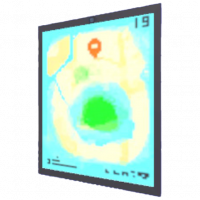
M to view the map - Banana mePad Tablet Computer w/ GPS Auto Map v1.0. Made in Sheo Islands :}
The Auto-Map is one of the first items the player will get in the game, it is obtained early on and adds a mini-map at the top right corner of the player's screen at all times, it indicates their current location and fills in as they discover new areas.
Location
The auto-map is given to the player by Ket when interacting with him for the first time in the Sheo Islands Beach, the player doesn't necessarily need to interact with him the very first time they encounter him, choosing to ignore his first appearance but then talking to him later on will still give you the item, after a confused comment from the ignored tortavi.
Function
The auto-map is always active in the top right corner of the player's screen, it shows the whole map in dark blue and then fills in with pink squares as the player traverses the location. It is useful for the player to know where they've explored inside any given location.
Additionally, it also allows the player to press the M key on their Keyboards, or the Options, Select, Minus or equivalent button on their controllers, to view their maps with the whole screen.